
About plasq

plasq is a small group of passionate people, spread around the world, working to create better computer interfaces and enjoyable experiences.

We work towards creating simpler, fun, more inspiring, more flexible and natural interfaces than ever before. Find the file you're looking for - to create what's in your mind - to express yourself.


Contact us

Robert Grant
plasq.com
(843) 367-0095
Email us here


Subscribe

Keep up-to-date on our press releases by subscribing to the plasq.com RSS press feed!

Subscribe (RSS)


Options


plasq introduces Comic Life for iPad

plasq today introduced Comic Life for iPad, the latest edition of its award winning software for creating, reading and sharing digital photo comics. Comic Life for iPad features an optimized UI tuned for the multi-touch interface while maintaining Comic Life’s legendary ease of use. Includes fun templates, comic fonts, advanced editing features, as well as a built-in reader, and several export options. Now available on the iTunes App Store for an introductory price of $7.99.

Charleston, South Carolina  May 3, 2011  plasq introduces Comic Life for iPad, the latest edition of its award winning software for creating, reading and sharing digital photo comics. Comic Life for iPad features an optimized UI tuned for the multi-touch interface while maintaining Comic Life’s legendary ease of use. With 10 templates, 67 fonts and advanced editing features users can create any kind of comic they desire. Comics can be read within the built-in reader and shared with friends and family through the Facebook uploader or email. The app also incorporates several features designed for use in the classroom with the new In Tray system, comic collections and support for the original iPad’s external display adaptor.


“Comic Life is the perfect addition to iPad,” said Robert Grant, plasq’s CEO. “Producing photo-comic stories with the intuitive touch screen makes creating them as much fun as sharing them with friends and family. We’ve brought most of the desktop application to iPad and we continue to be amazed at how capable the device is becoming.”
 

Comic Life is the perfect addition to iPad. Producing photo-comic stories with the intuitive touch screen makes creating them as much fun as sharing them with friends and family. We’ve brought most of the desktop application to iPad and we continue to be amazed at how capable the device is becoming.


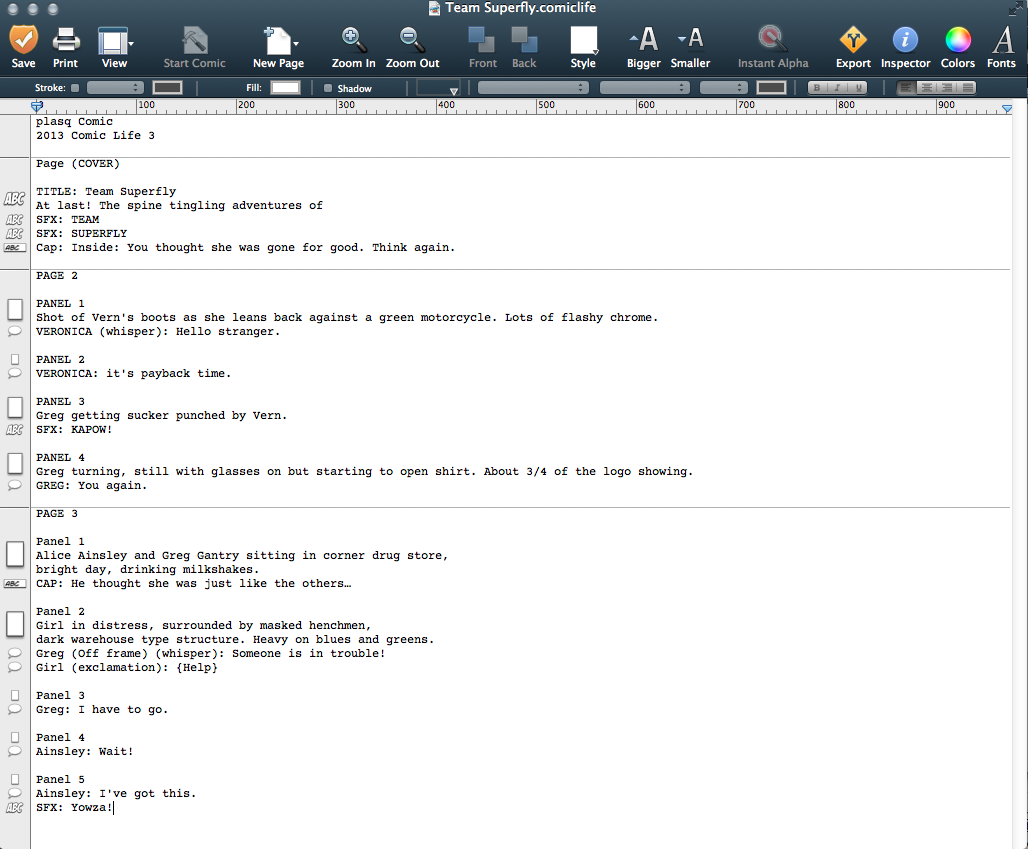
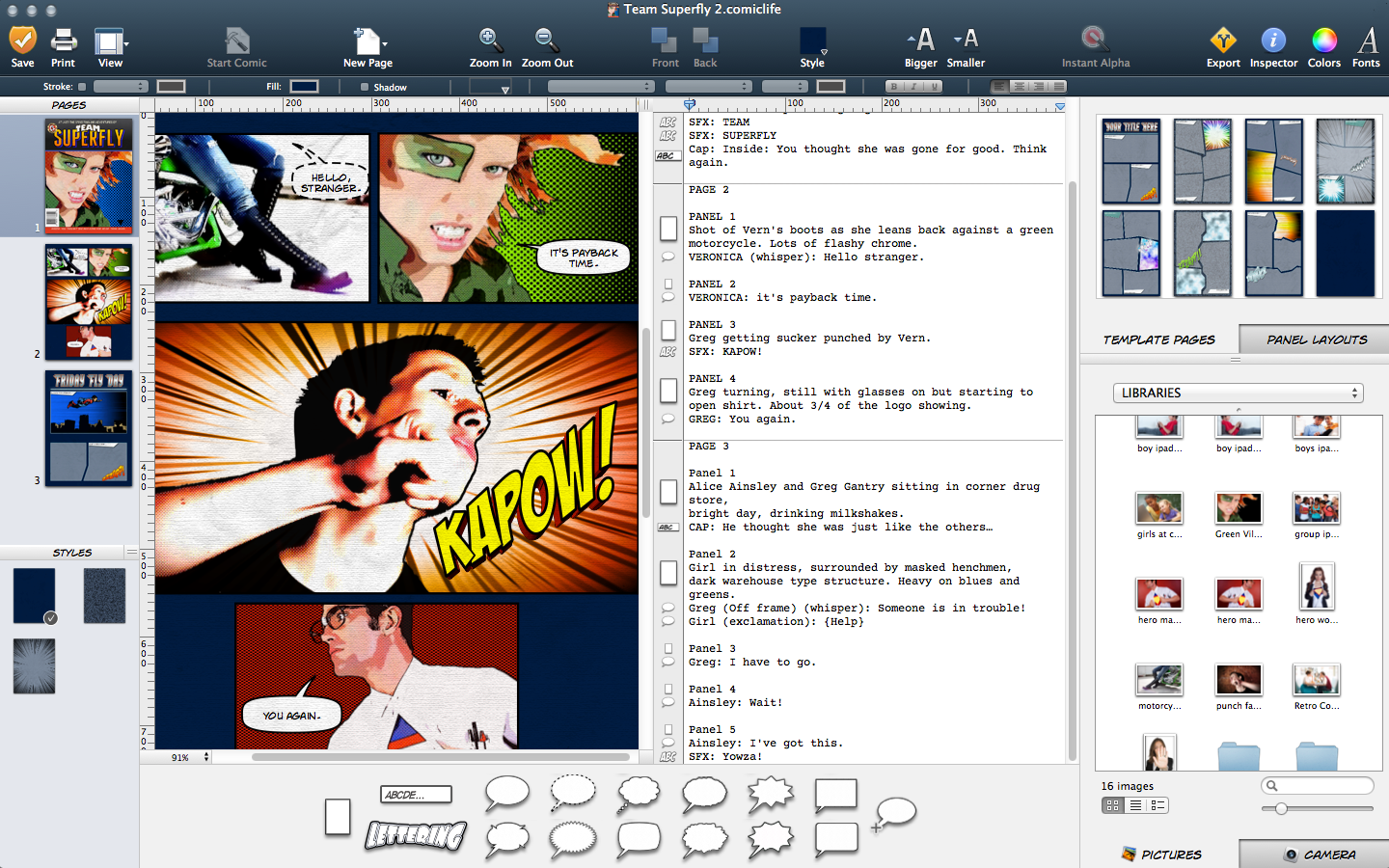
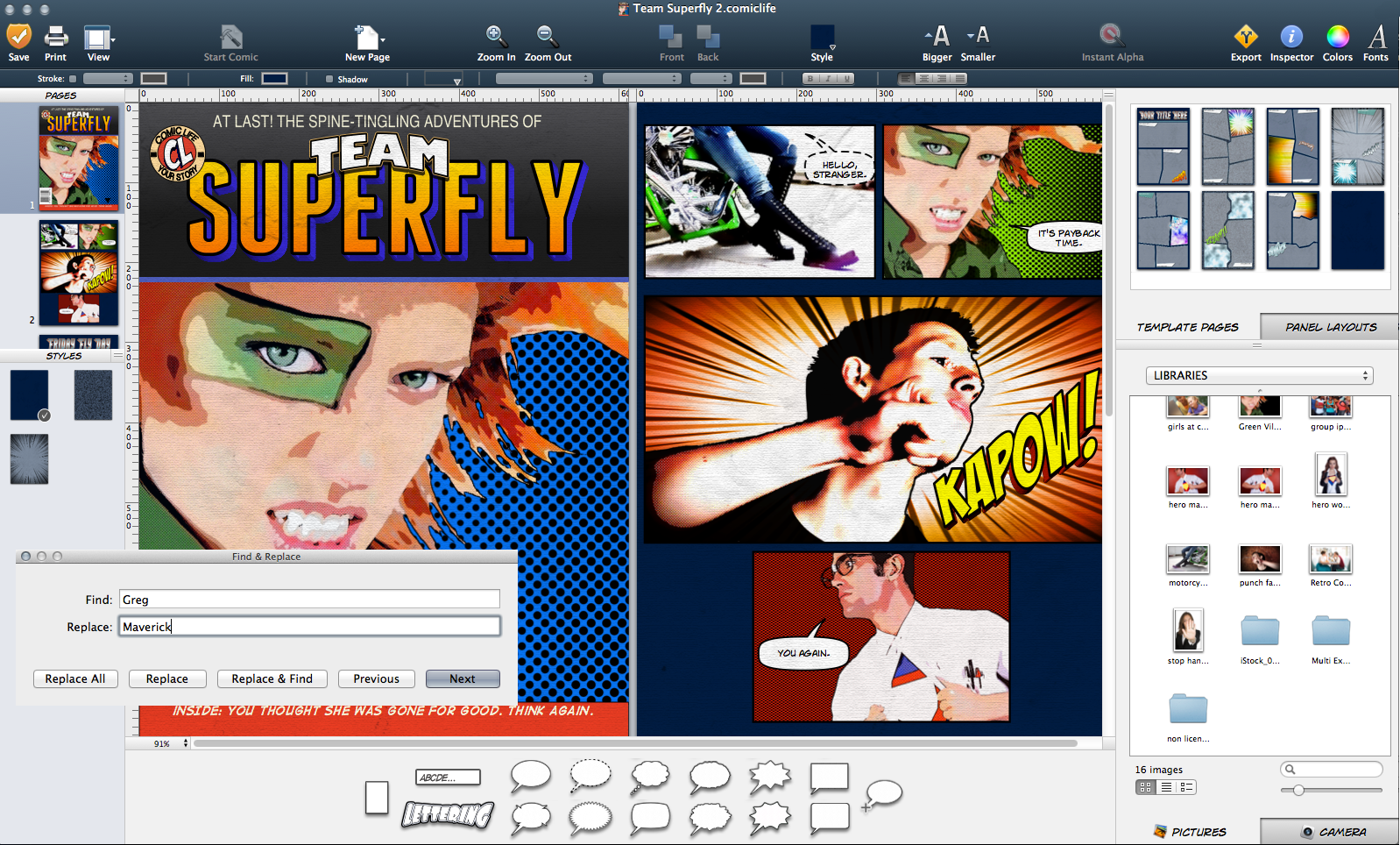
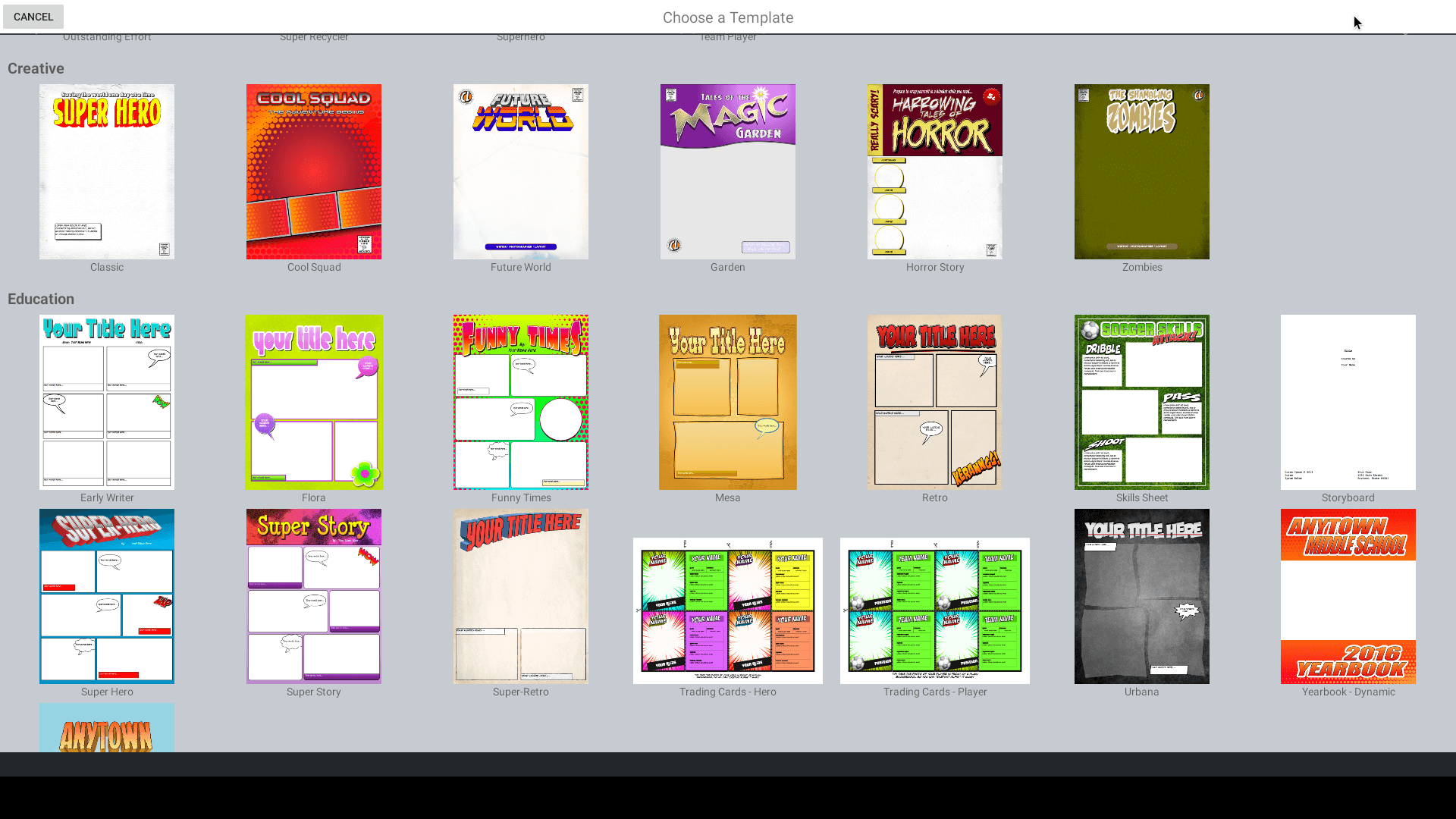
Creating comics on Comic Life for iPad is made simple with templates that include pages, panels, titles and captions along with a full set of complimentary styles – just add your photos and words. You can also start from scratch – building your comic from a blank page using a variety of comic elements. The user interface is set up to allow you to quickly access all of the elements and tools you need to create a comic with a professional feel. The app adopts many of the user interaction conventions from Apple’s iWork suite of iPad apps to make using Comic Life familiar to users of those popular apps.  


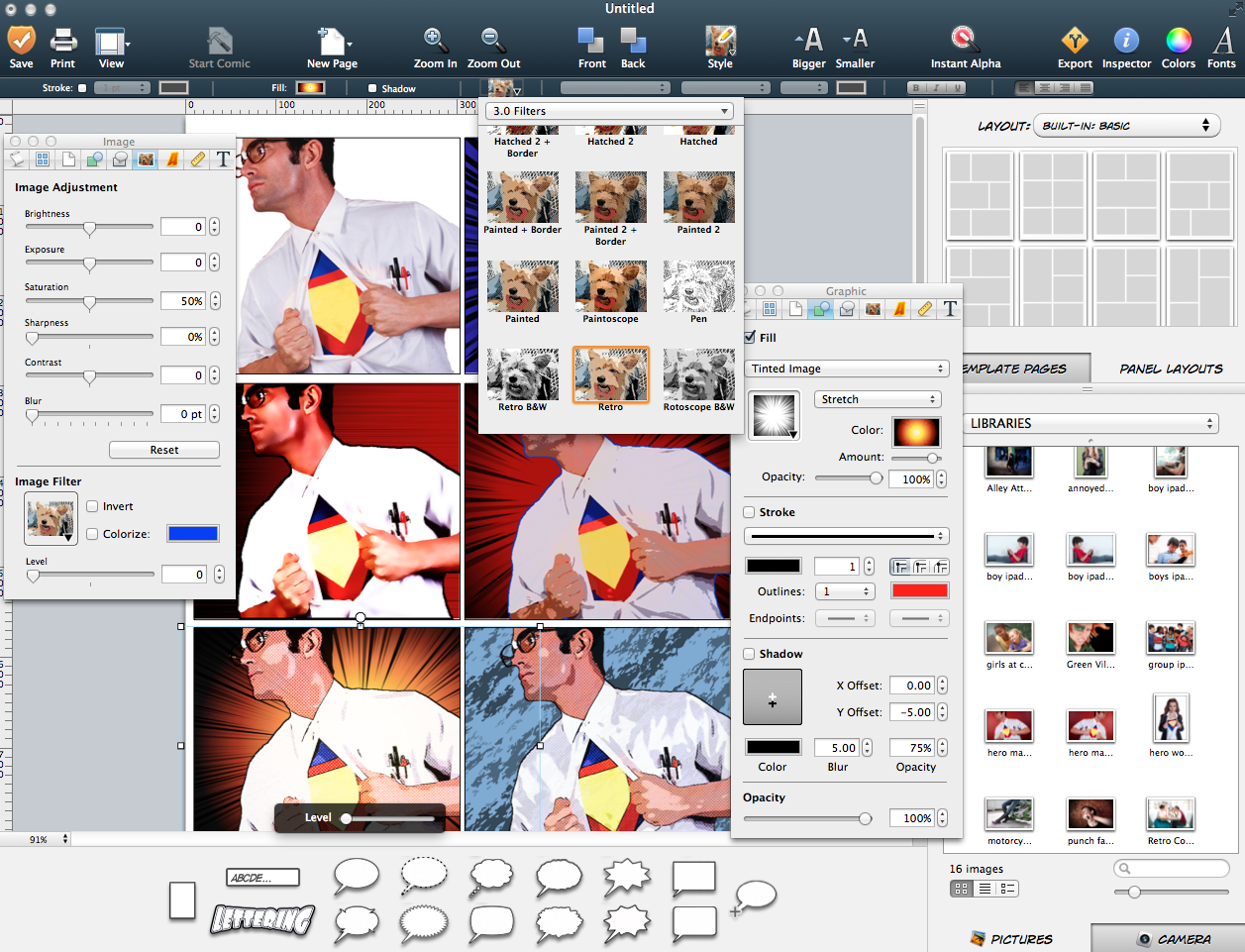
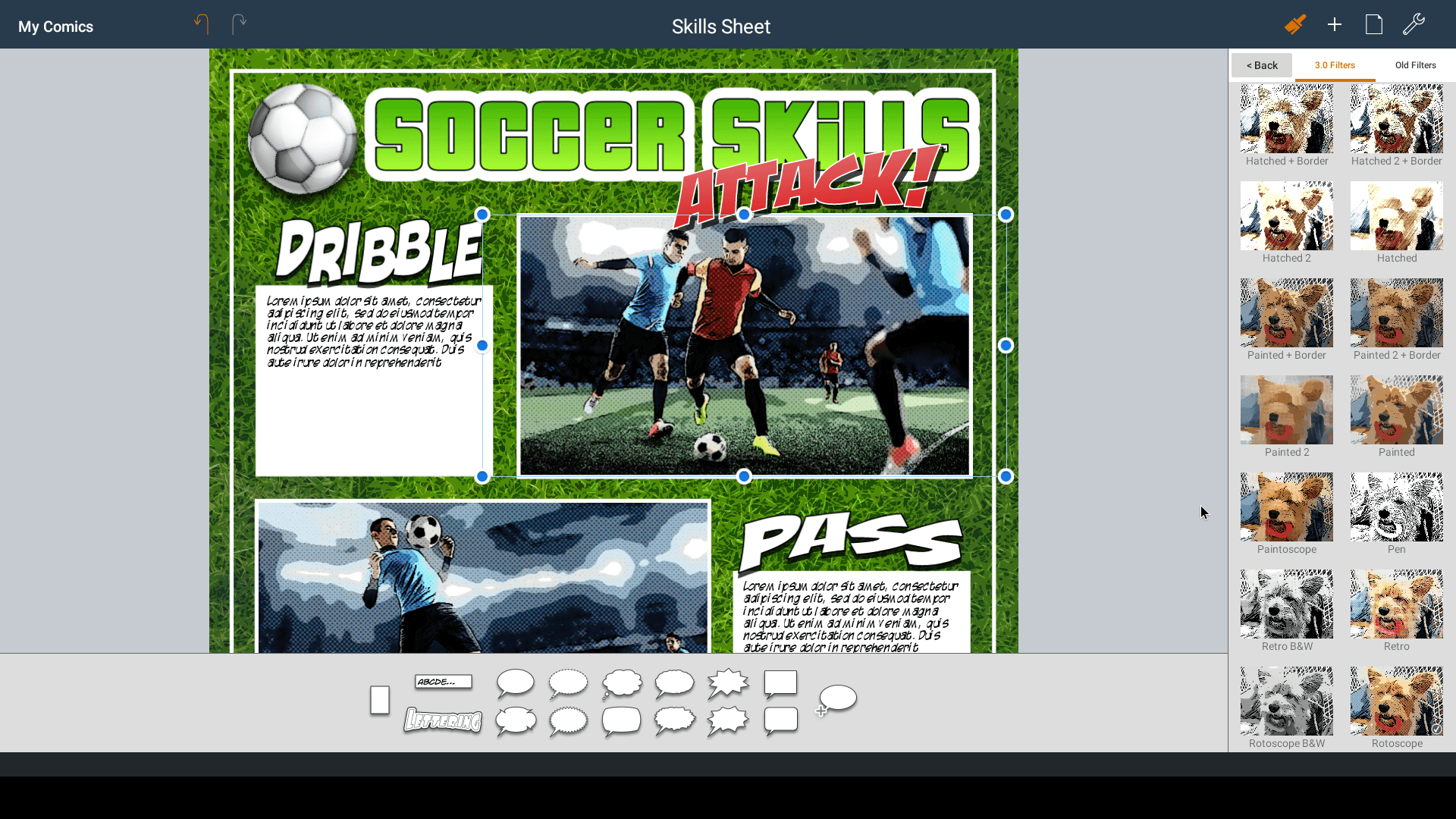
Comic Life for iPad provides advanced editing features such as linear and radial color gradients to give lettering and backgrounds eye-catching effect. Advanced balloon tail controls let you precisely curve balloon tails to fit around your content. Text layout flows your text within balloons and captions even when they are clipped against a panel for the perfect comic-style effect.


Once you’ve created a comic the app takes advantage of the vibrant display and touch interface to present your comics within a built-in reader, allowing you to easily flip through the pages. The integrated Facebook uploader makes sharing with friends and family simple. The app automatically creates an album for the pages of your comic. Or use the email feature to quickly send your comic pages.


Comic Life for iPad includes a number of features to make using the app in the classroom a breeze. Virtual In Tray’s let students transfer comics between iPads quickly and easily. Comics can be presented via the external display feature of the original iPad and teachers will appreciate being able to organize comics in collections.


Pricing & Availability


Comic Life for iPad is offered at the introductory price of $7.99 USD (or equivalent amount in other currencies) and available worldwide exclusively through the App Store in the Lifestyle category.


Device Requirements


* Compatible with iPad/iPad 2
* Requires iOS 4.3 or later
* 35.0 MB

plasq Website
Comic Life for iPad site
Comic Life for iPad App Store link


About plasq


plasq is a loosely coupled collective of computer enthusiasts from around the world joined by a love of great software and the desire to unleash the tremendous potential of today’s computer platforms.


###


Mark Pearson
plasq


Erica Carson
plasq


Media Files


Comic Life for iPad icon

Comic Life for iPad:
My Comics
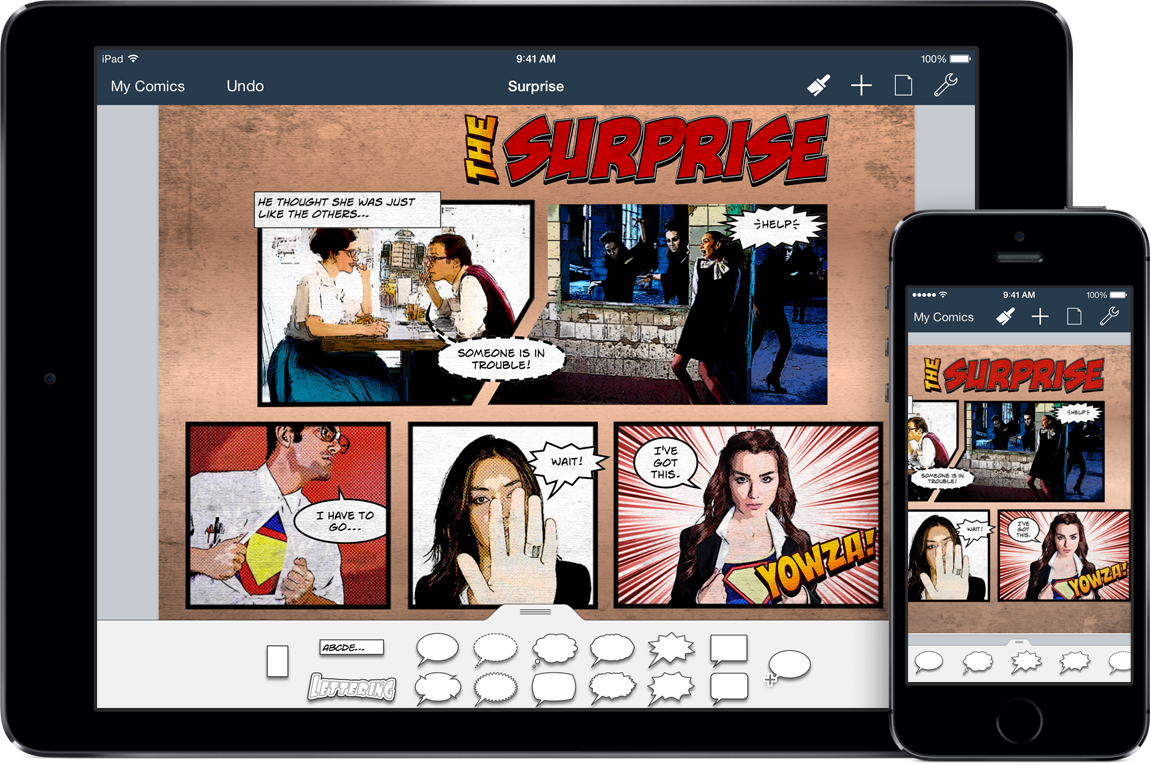
All the Comic Life comics saved on iPad are available in My Comics view.

Comic Life for iPad:
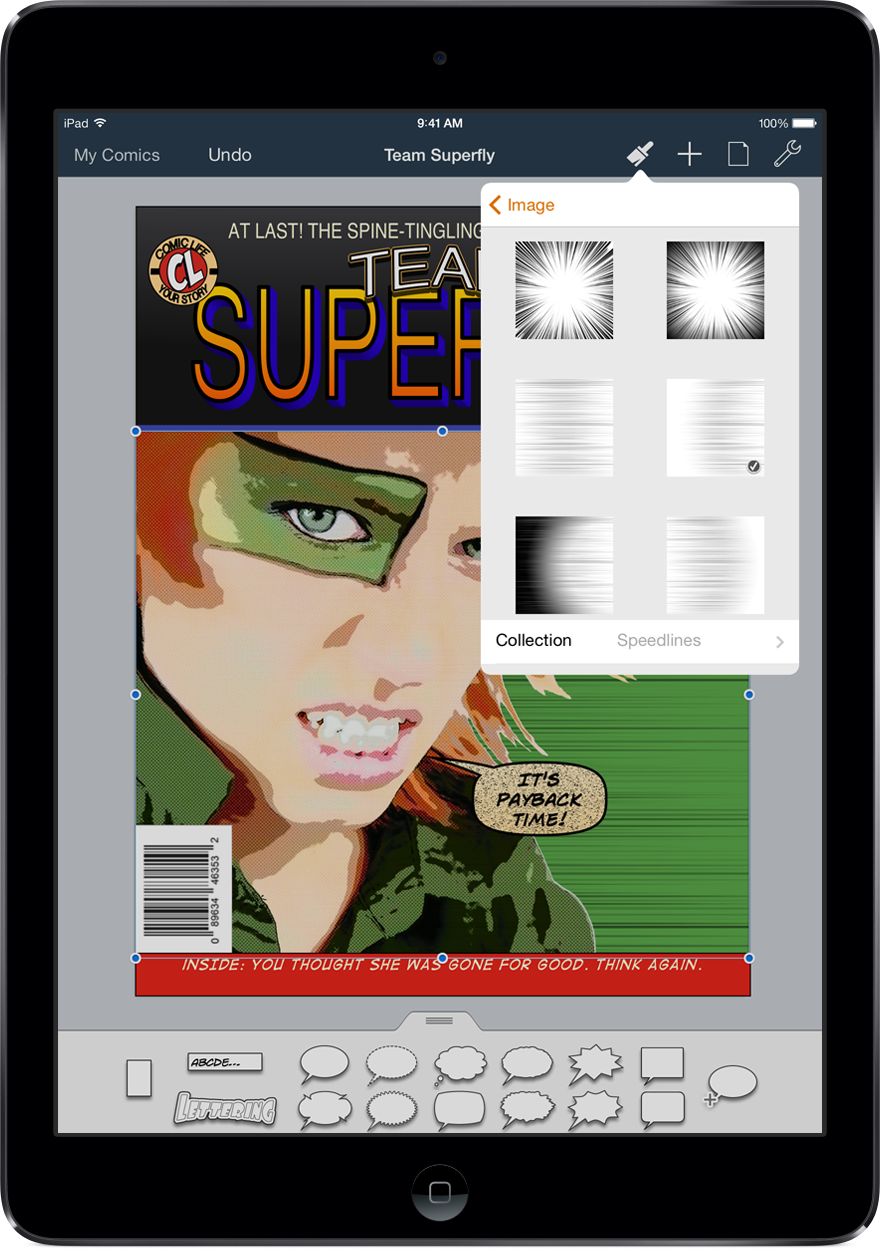
Edit mode
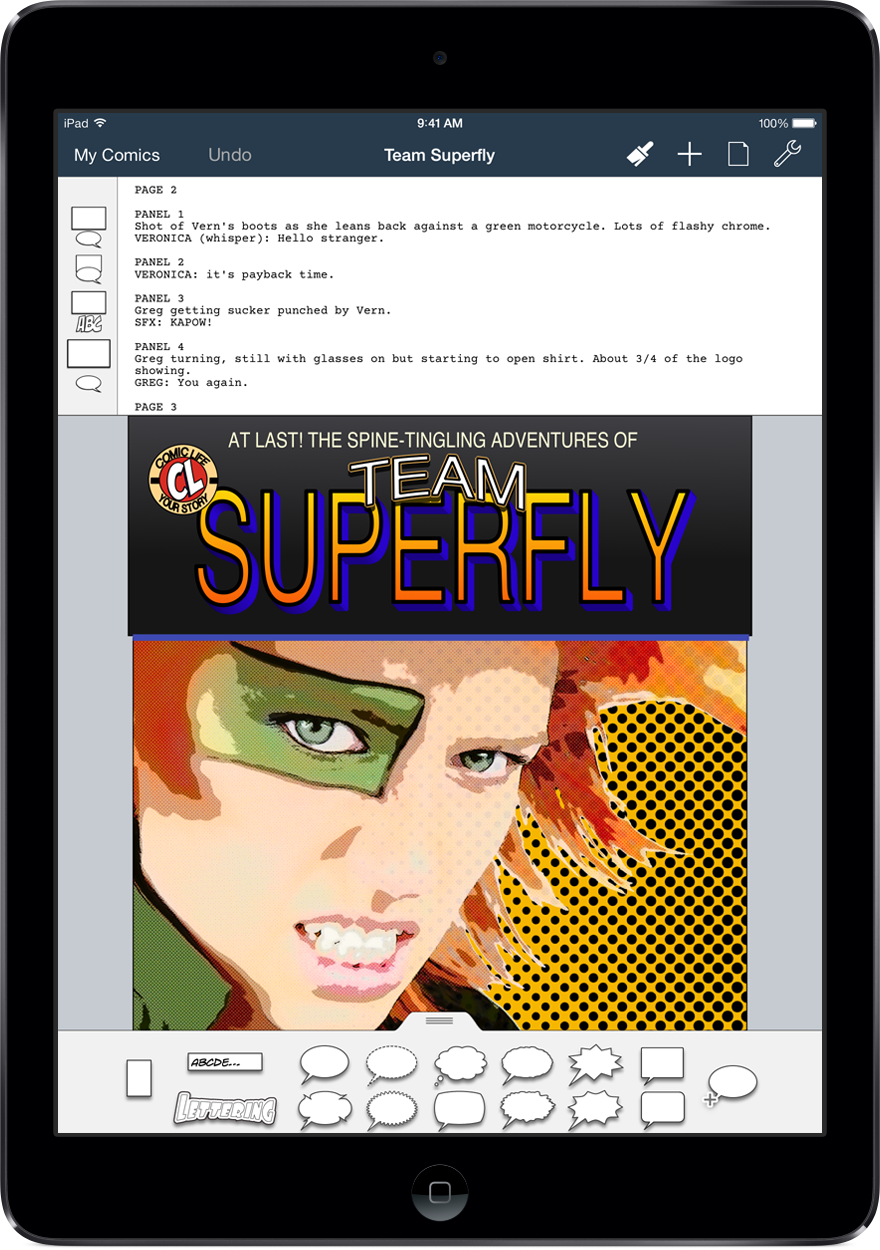
This is where comic masterpieces are created. Easy-to-use UI allows for fun and creative comic making.

Comic Life for iPad:
Style chooser
Comics are easy to create with included templates that come with a full set of complimentary styles.

Comic Life for iPad:
Built-in reader
The built-in reader allows you to easily flip through the pages of your comic.

Comic Life for iPad:
Virtual In Tray (sending)
Virtual In Tray’s let you transfer comics between iPads quickly and easily.

plasq logo

Comic Life for iPad icon

(311.85 KB) comiclifeipad-icon.png

Comic Life for iPad: <br />My Comics
All the Comic Life comics saved on iPad are available in My Comics view.
(1097.11 KB) screenshot-1.png

Comic Life for iPad: <br />Edit mode
This is where comic masterpieces are created. Easy-to-use UI allows for fun and creative comic making.
(1205.8 KB) screenshot-2.png

Comic Life for iPad: <br />Style chooser
Comics are easy to create with included templates that come with a full set of complimentary styles.
(1073.49 KB) screenshot-4.png

Comic Life for iPad: <br />Built-in reader
The built-in reader allows you to easily flip through the pages of your comic.
(1499.02 KB) screenshot-5.png

Comic Life for iPad: <br />Virtual In Tray (sending)
Virtual In Tray’s let you transfer comics between iPads quickly and easily.
(1114.37 KB) screenshot-6.png

plasq logo

(78.09 KB) plasqlogo.png